Stop Sharing Activities in Metasocial

How to Stop All Sharing Activities of a Connected Account in Metasocial  Pausing sharing activities on your connected accounts allows you to halt all scheduled posts and content sharing temporarily. It gives you control over all social media activities, allowing you to suspend account sharing while you focus on planning and strategising. Whether updating your content plan, analysing performance, […]

Read More

Reconnect Account in Metasocial

Why Am I Being Asked to Re-Connect My Account(s)?  To establish and maintain this connection, Metasocial requires certain mandatory permissions during the account linking process. These permissions enable Metasocial to interact effectively with your social media profiles. However, if these permissions are revoked or altered, the connection between Metasocial and the social media platform is broken, leading to data retrieval and post-publishing issues.  In […]
Read More

Reauthorise Social Accounts in Metasocial

How to Re-Authorise Your Social Accounts?  While using Metasocial, you may encounter errors such as:  – You are not able to connect the account with Metasocial. – You may not be the admin of that Page or Group. – You can’t see all your Pages.  In these cases, simply reconnecting the account won’t resolve the issue. You will need to re-authorise the account with Metasocial to restore functionality.  In this article  […]
Read More

How to Connect Instagram Profile in Metasocial

Introduction  Metasocial offers a seamless way to manage your Instagram Business account, providing you with in-depth insights and analytics that are crucial for monitoring and optimising your Instagram campaigns.  The recommended way to connect an Instagram Business account to Metasocial requires you to have it connected to a Facebook profile. However, even if you do not have a Facebook account connected […]
Read More

How to Connect Account in Metasocial

Metasocial simplifies the management of your social media presence by allowing you to connect, manage, and monitor all your social media accounts from a single platform. Whether you’re managing your own business, handling client accounts, or working as part of a larger team, connecting your social media profiles, pages, business (for GBP), and channels (for YouTube) to Metasocial is the first step […]
Read More

Common Errors

In the Article Google says: creating/updating a local post is not authorised for this location Twitter says: user is over daily status update limit Twitter says: your account is suspended and is not permitted to access this feature Facebook says: (#200) Insufficient permission to post to target on behalf of the Facebook says: (#200) Insufficient […]
Read More

Getting Started With Metasocial

Introduction  Social media management can be overwhelming with so many platforms to manage. Metasocial makes it easy by allowing you to automate posts across multiple platforms, saving you time and helping you build your brand more efficiently. This guide will walk you through the steps to get started with Metasocial so you can take control of your social media efforts in […]
Read More

Connect Instagram Business Account Metasocial

Introduction  Metasocial offers a seamless way to manage your Instagram Business account, providing you with in-depth insights and analytics that are crucial for monitoring and optimising your Instagram campaigns. By connecting your Instagram Business account to Metasocial, you unlock access to valuable metrics such as reach, impressions, demographics, and other key performance indicators.  In this guide, we will learn […]
Read More

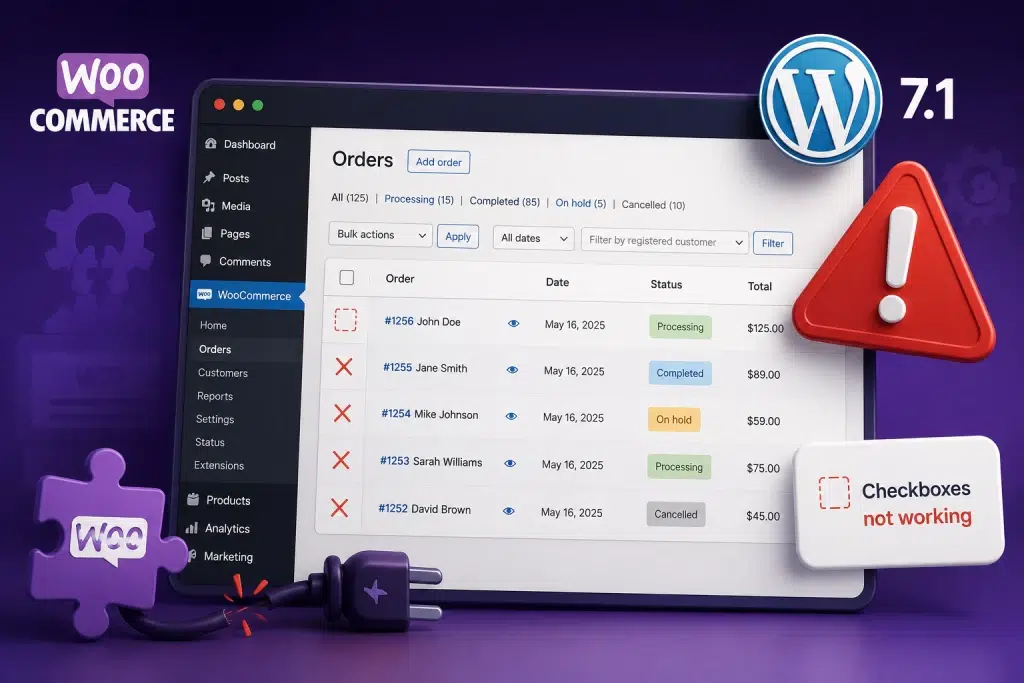
WooCommerce Order Checkboxes Stopped Working After WordPress 7.1? Here Is Why

WordPress 7.1 rewrote part of the admin list table markup, and older versions of WooCommerce were reading the old structure. The Orders screen is a list table: the same kind of screen WordPress uses for Posts, Pages and Products. WooCommerce

WordPress 7.1 and WP Rocket: Why Sites Went Offline, and How to Get Yours Back

A compatibility bug between WordPress 7.1 and WP Rocket caused a PHP fatal error that took websites completely offline, including the WordPress dashboard. WP Rocket is installed on well over a million websites. When WordPress 7.1 began rolling out through

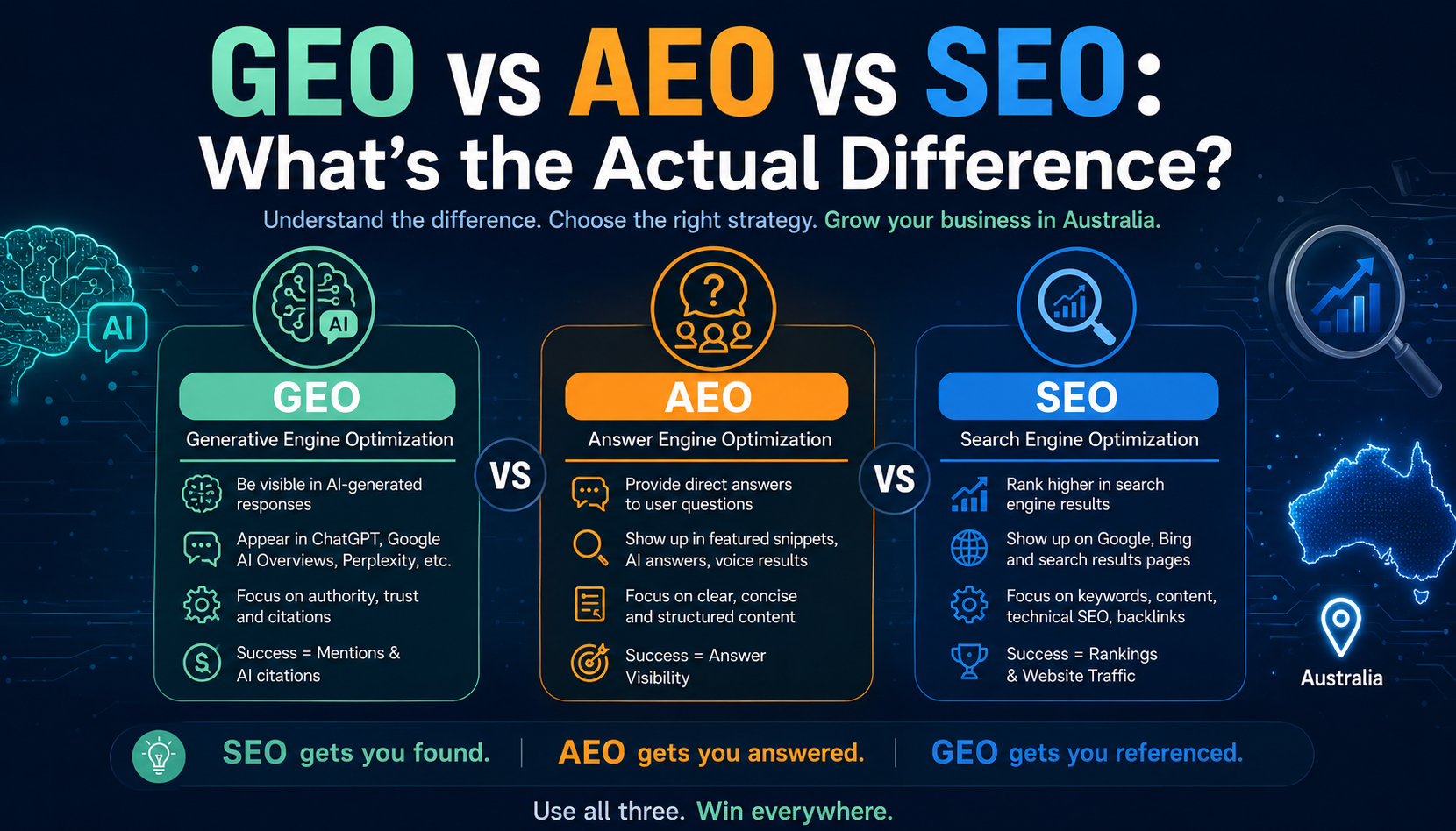
GEO vs AEO vs SEO: What’s the Actual Difference? 

If you have recently searched for information about digital marketing, you may have come across terms like SEO, AEO, and GEO. For many business owners and marketers, these acronyms can sound confusing. Are they different strategies? Is SEO becoming outdated?

Agentic Search Explained How AI Agents Choose Which Brands Get Found

Type a question into Google and you still get a list of links. Ask ChatGPT, Gemini or Perplexity the same question, and you increasingly get a verdict instead: two or three options, ranked, with a reason for each one.

Why Your ChatGPT Ads May Not Be Serving (And How to Fix Them)

You've launched your campaign. Your advertisements have been approved. But nothing seems to be happening. No impressions. Very few clicks. Little or no delivery. If this sounds familiar, you're not alone.

How ChatGPT Ads Target Conversations Instead of Keywords

If you've run Google Ads before, you're probably used to thinking about keywords. You choose the search terms you want your ads to appear for, set your bids, write your ad copy, and wait for someone to search. ChatGPT Ads

ChatGPT Ads vs Google Ads vs Meta Ads: Which Is Right for Your Business?

Every business wants more leads, more enquiries, and more sales. The challenge is deciding where to invest your advertising budget. For years, the conversation centred around Google Ads and Meta Ads. Today, there's a new player entering the mix:

ChatGPT Ads in Australia: What Businesses Need to Know in 2026

ChatGPT Ads are sponsored placements that appear below ChatGPT responses for eligible users. Every advertisement is clearly labelled as sponsored and remains separate from ChatGPT's answers.

Common SEO Mistakes Killing Your Website’s Google Rankings and How to Fix Them

You’ve invested in a well-designed website. You publish content consistently. You’re doing what you believe is the right thing for your online presence, yet your rankings are either stuck or quietly sliding backward. If this sounds familiar, you’re not alone.